
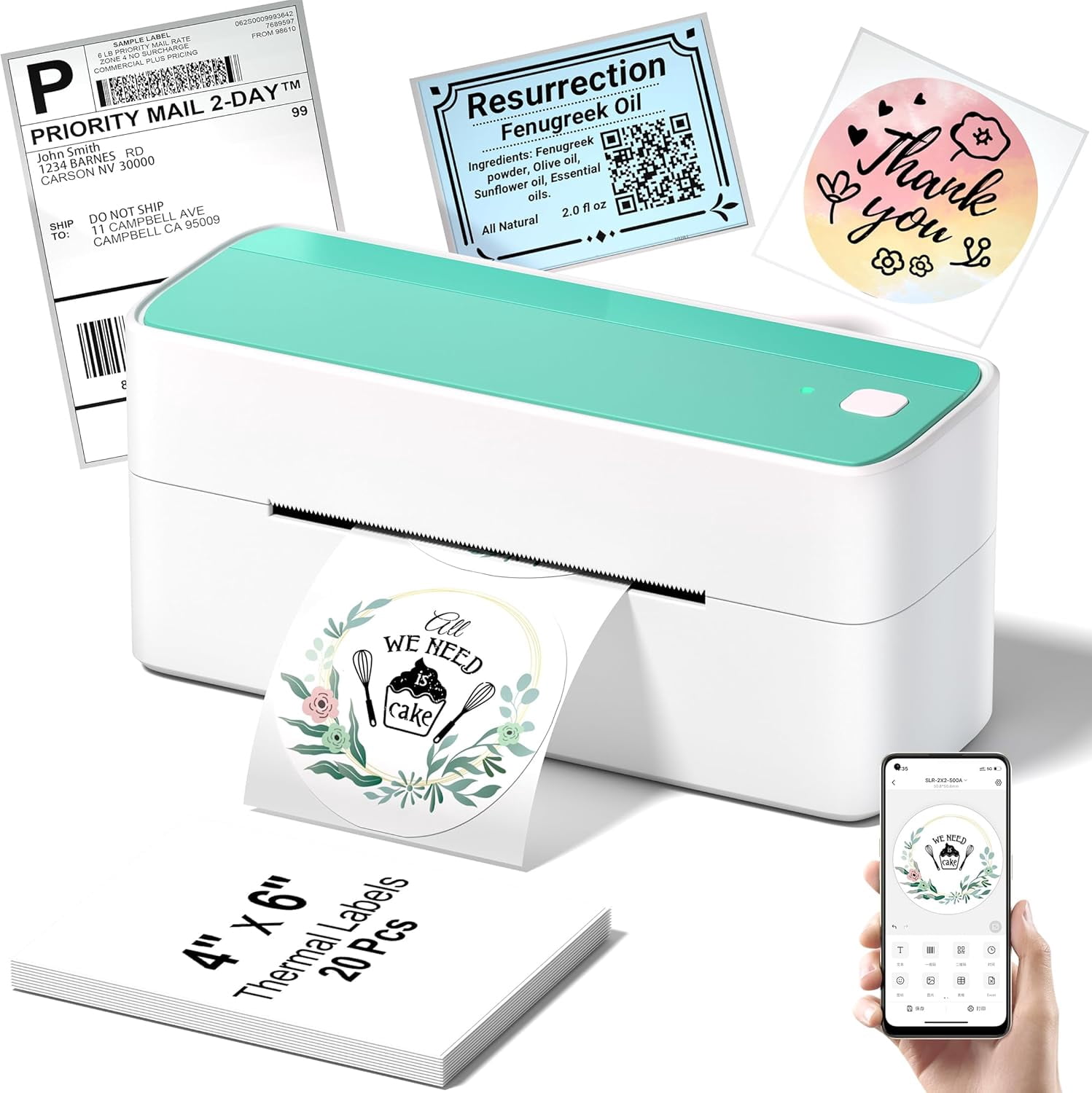
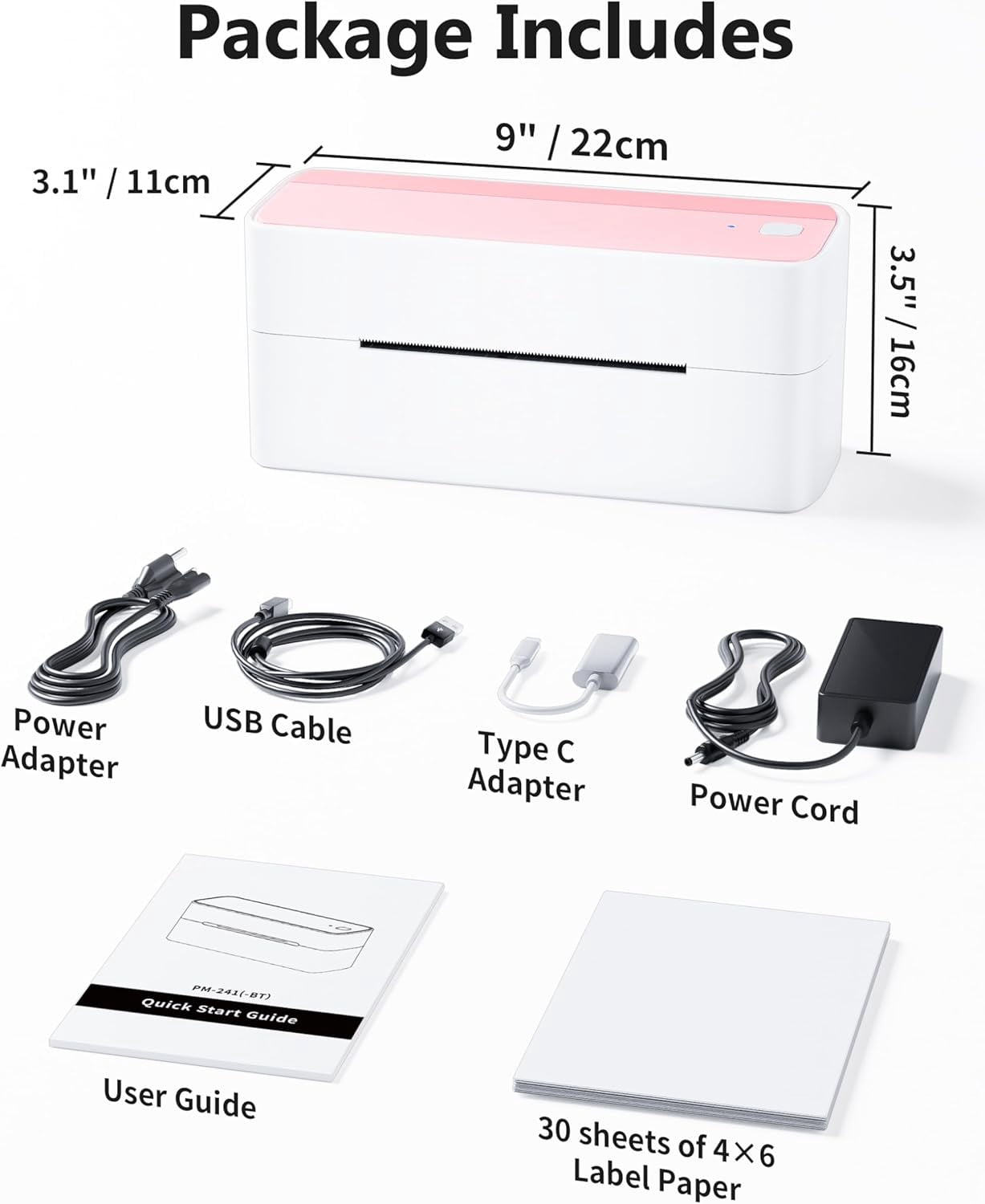
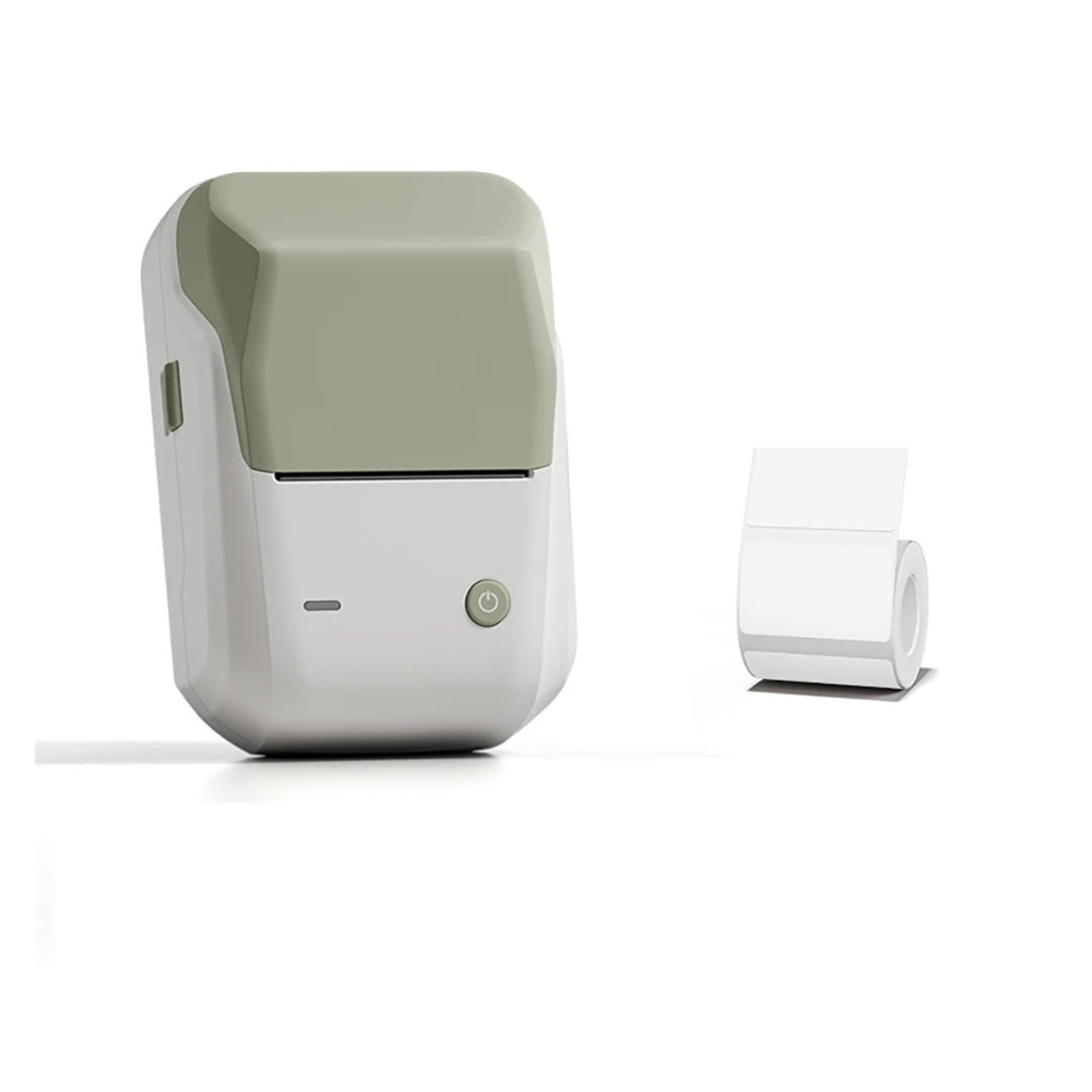
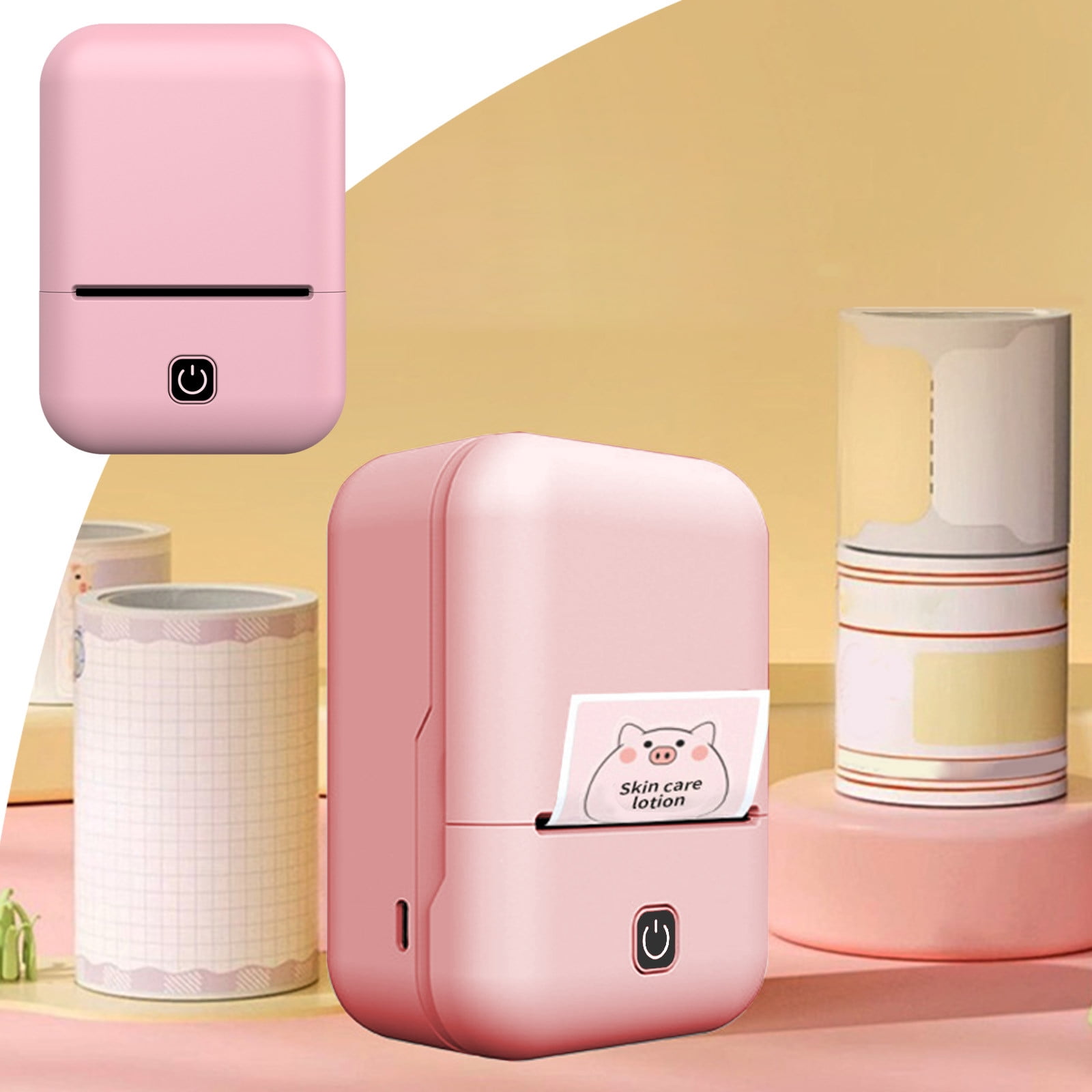
Bluetooth Thermal Shipping Label Printer, 241BT Wireless Thermal Label Printer for Shipping Packages, Inkless Thermal Shipping Label Printer, Compatible with iPhone, Android, Green
Product details
| Management number | 238137270 | Release Date | 2026/07/11 | List Price | US$35.51 | Model Number | 238137270 | ||
|---|---|---|---|---|---|---|---|---|---|
| Category | |||||||||
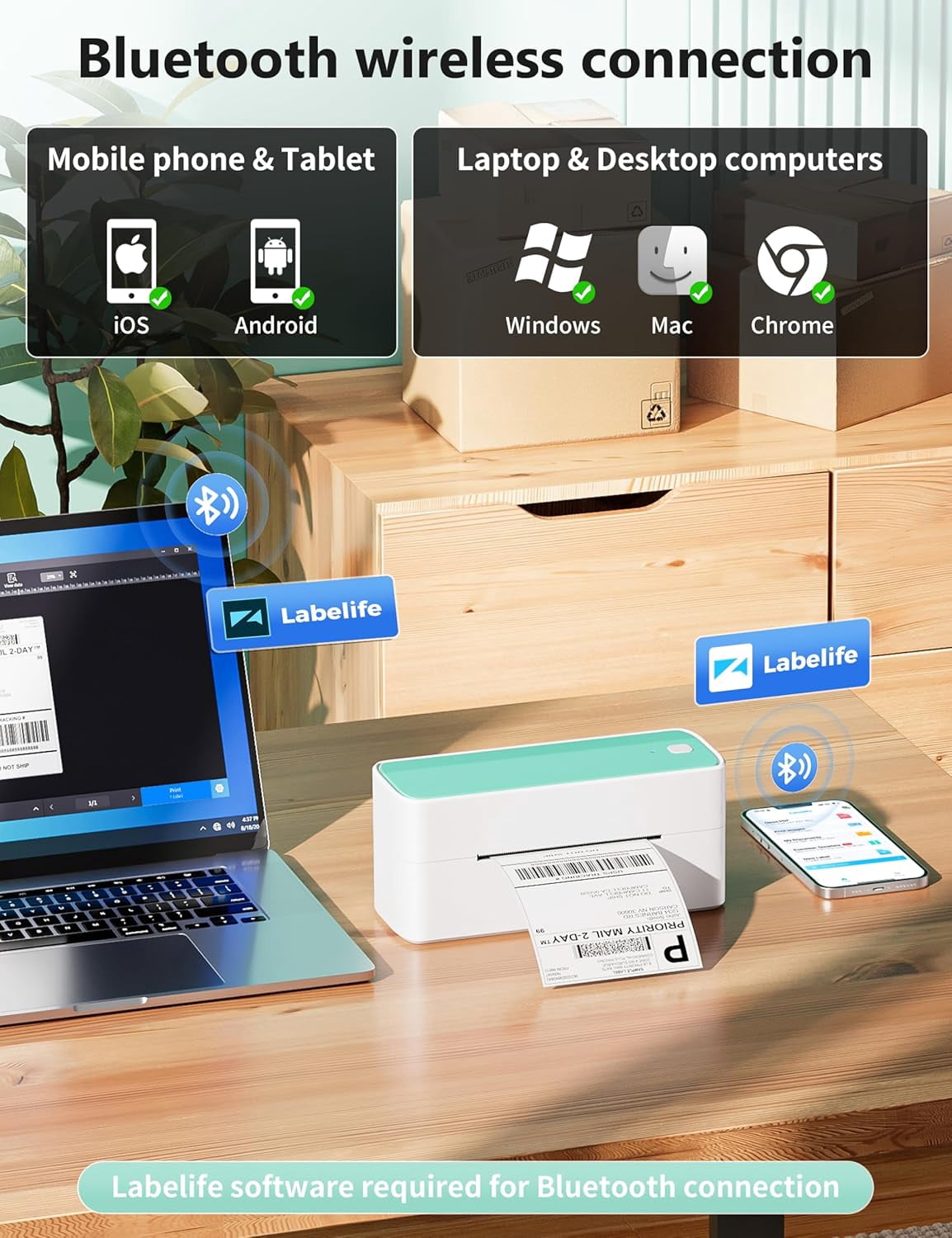
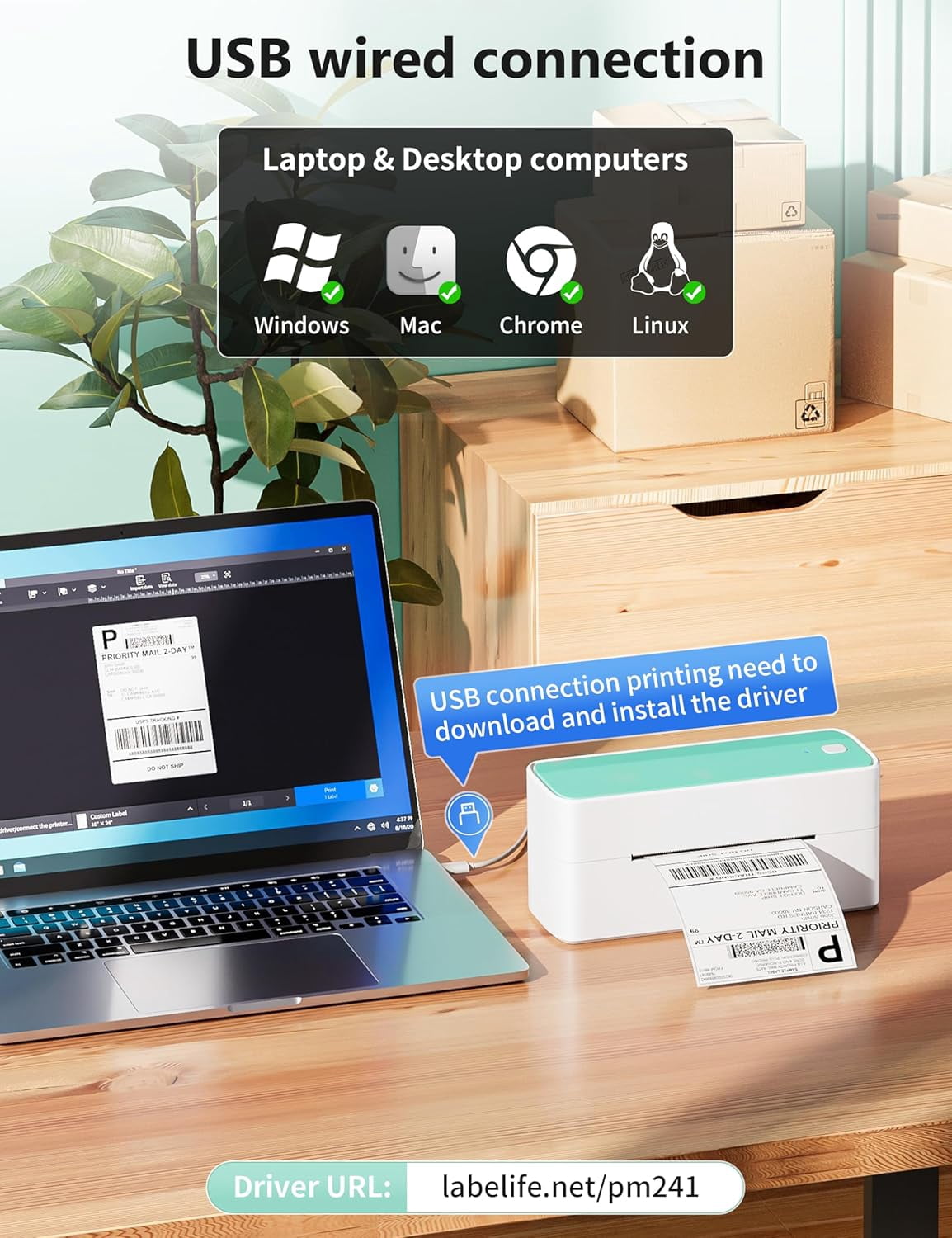
<p></p> <ol> <li> <h1>How to Print Via Bluetooth with Phone & Tablet <br><br><br></h1> <br> <p>Download the APP "Labelife" from App store or Google play <br><br><br></p> <p>2.Turn on the portable printer and APP, Click the "printer" icon on the APP's uper right to search the Bluetooth printer and connect. <br><br><br></p> <p>3.Then start your 241bt Label printer printing travel. <br><br><br></p> <p>Attention: 241BT Thermal Label printer Bluetooth can't support pair with Phone or tablet directly now, must be pair on the App "Labelife". <br><br><br></p> <br><br><br><br></li> <li> <h1>How to Print on mac OS Laptop <br><br><br></h1> <br> <p>Download the driver from official website (Please check your laptop or computer's operation system before download the printer driver to maker sure the driver is correct) <br><br><br></p> <p>After install the driver well, turn on the 241bt label printer and using the data cable come with the printer to connect 241bt thermal printer and your laptop, and start your 241bt printer printing travel. <br><br><br></p> <p>Attention: 241bt label printer compatible with macOS10 and above operation syetem <br><br><br></p> <br><br><br><br></li> <li> <h1>How to Print on Windows PC <br><br><br></h1> <br> <p>Download the driver from official website (Please check your laptop or computer's operation system before download the printer driver to maker sure the driver is correct) <br><br><br></p> <p>After install the driver well, turn on the 241bt label printer and using the data cable come with the printer to connect 241bt thermal printer and your laptop, and start your 241bt printer printing travel. <br><br><br></p> <p>Attention: 241bt label printer compatible with Windows7 and above operation syetem <br><br></p> </li> </ol>
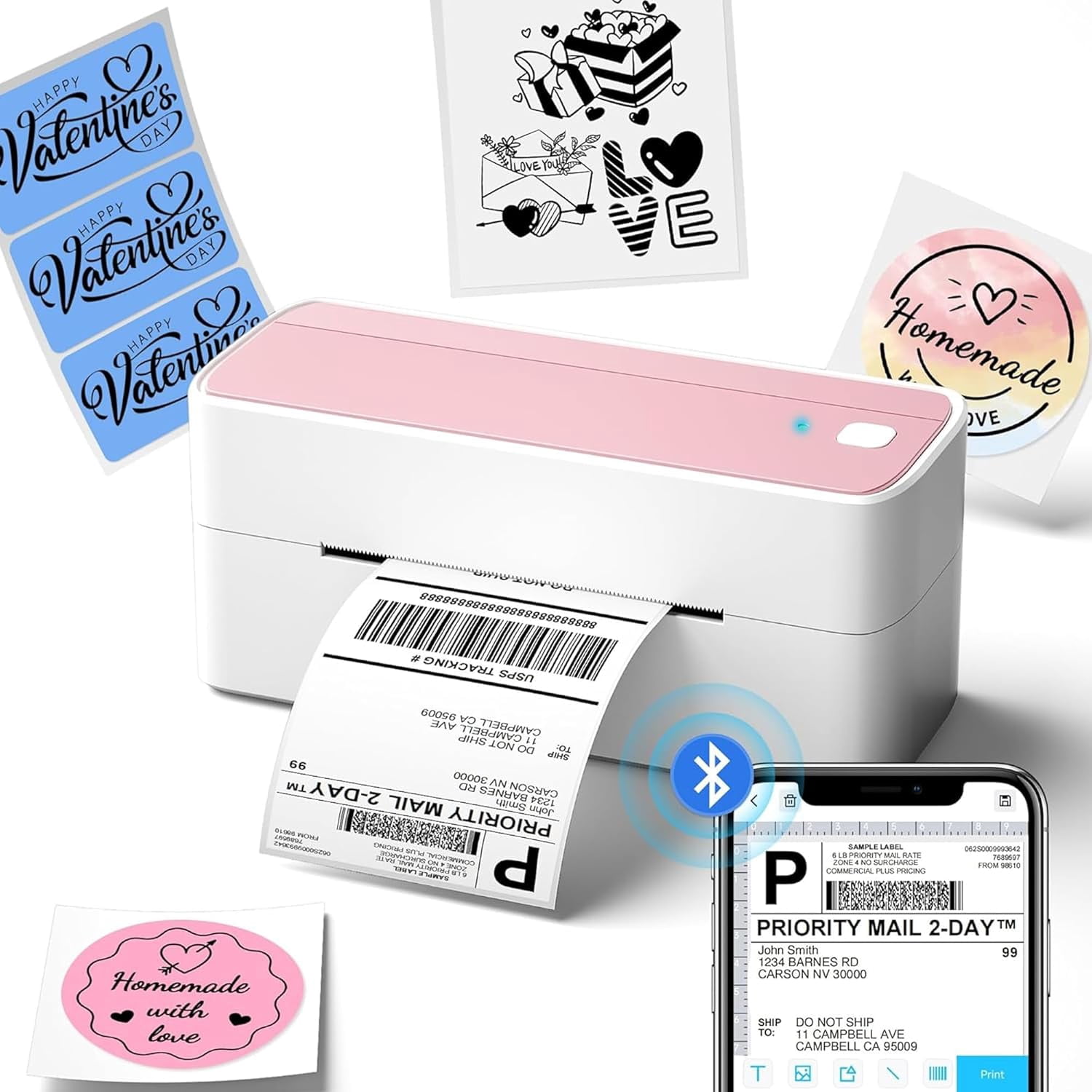
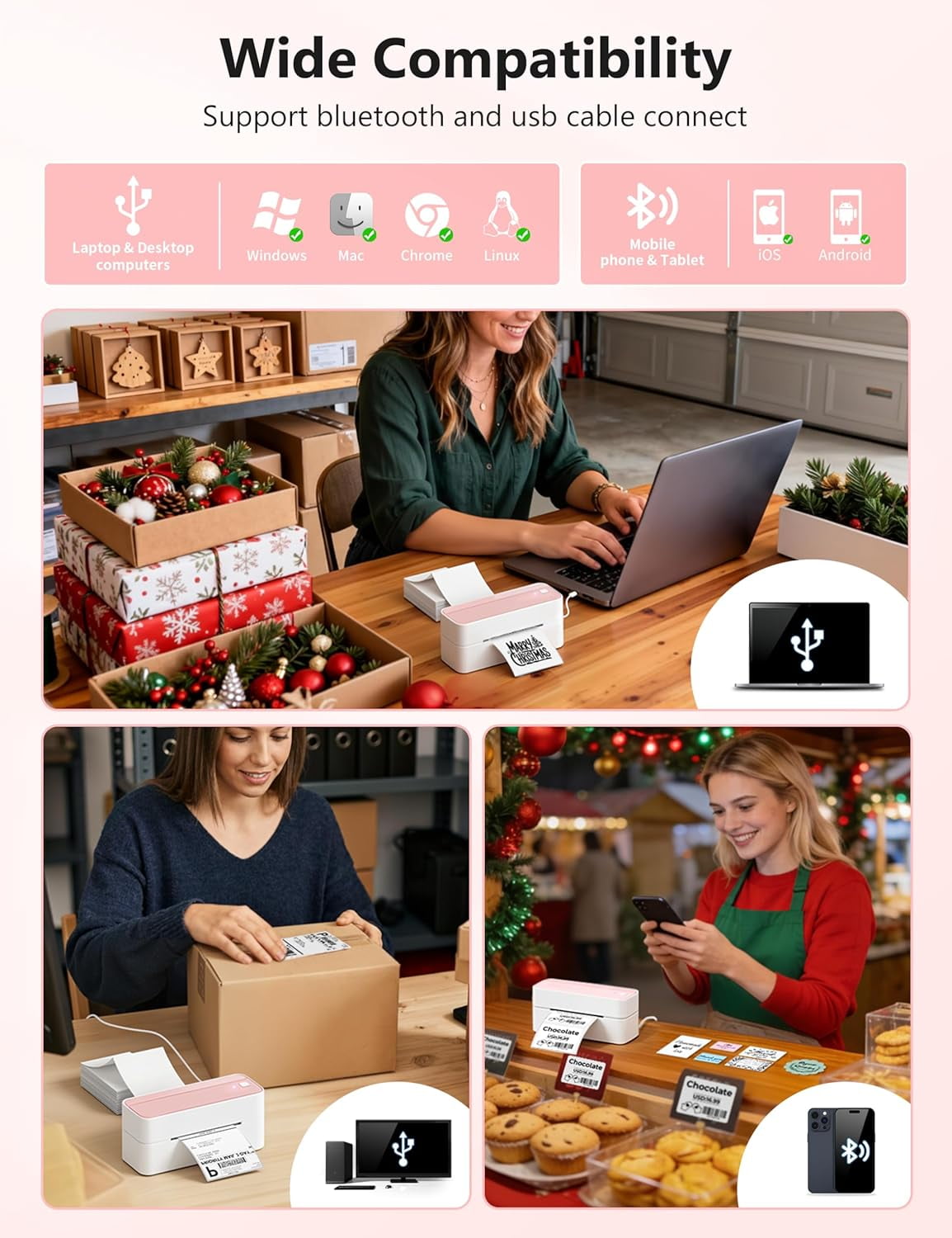
- [Print Wirelessly] - This bluetooth shipping label printer supports wireless printing through bluetooth connection. For IOS and Android, need to download the "labelife " APP from Apple Store or Google Play. With easy and simple operations, you can easily print your documents, photos, and more, making your life more convenient! Note: All devices cannot be directly connected to Bluetooth and need to be used through the app
- [Print via USB Cable] - For PC, Windows, Mac OS, Chrome OS, and Linux systems. For Chrome OS, need to enter “Labelife” in the Chrome web store and add the extension to your Google Chrome. (PC printing needs to download the driver: labelife.net/pm241)
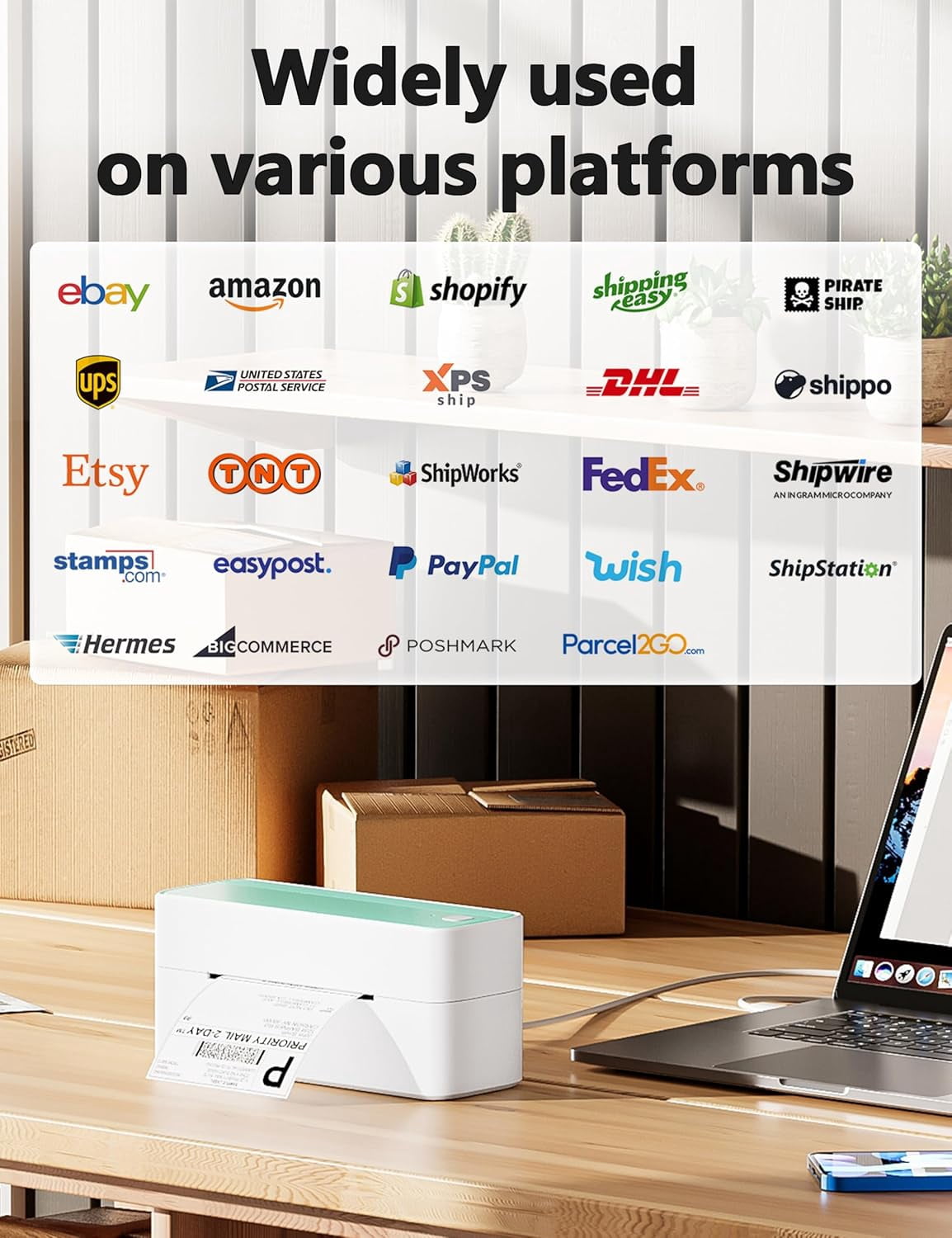
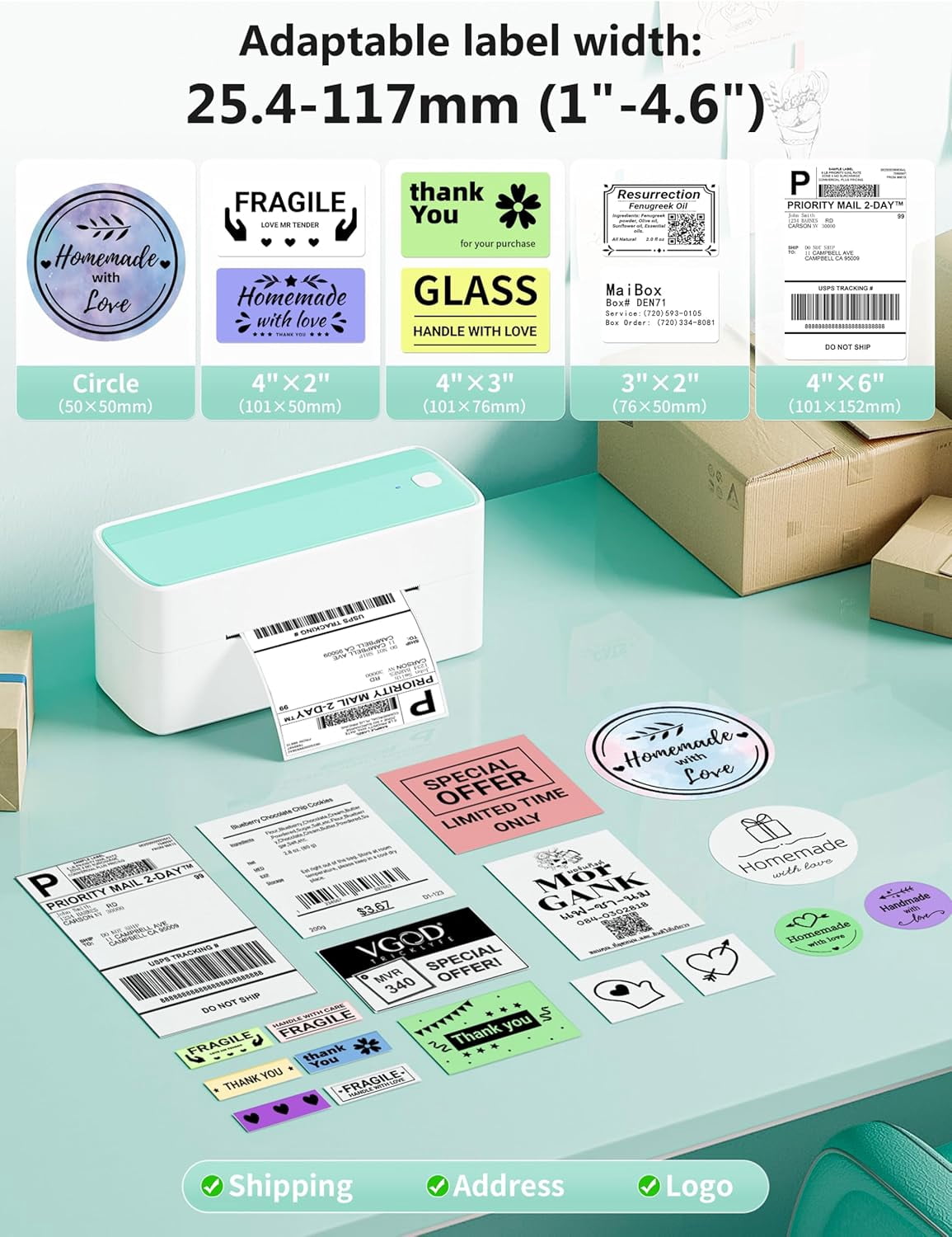
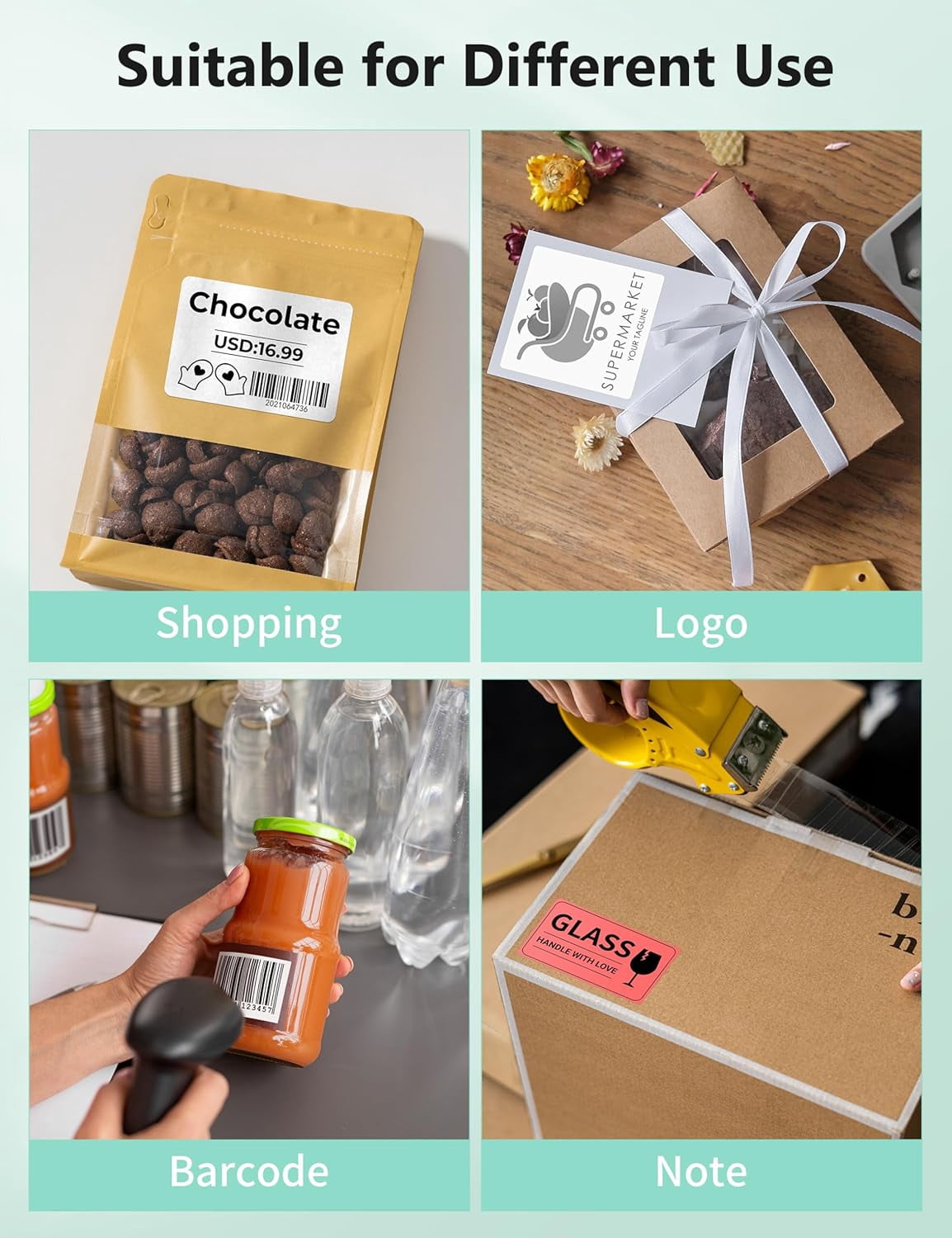
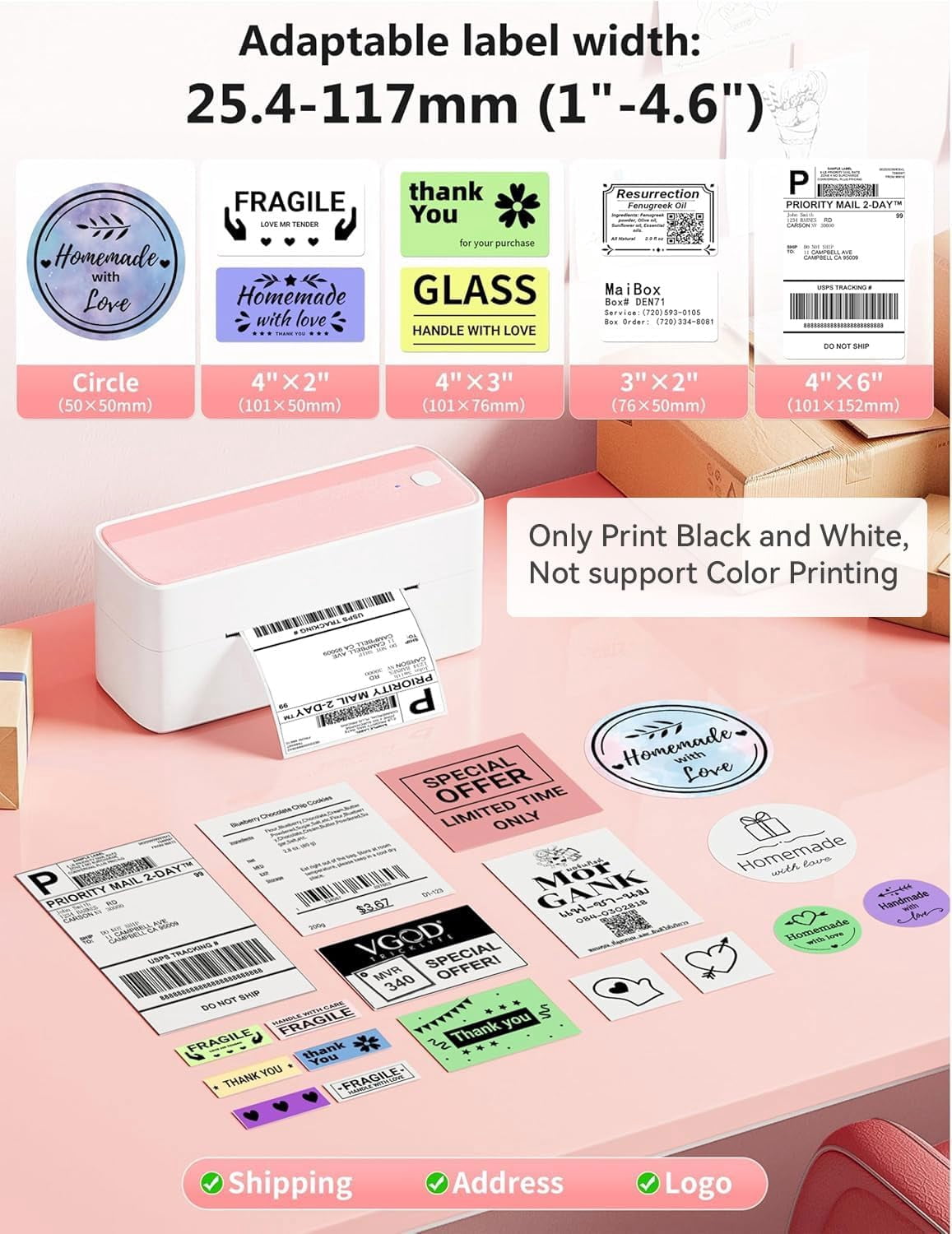
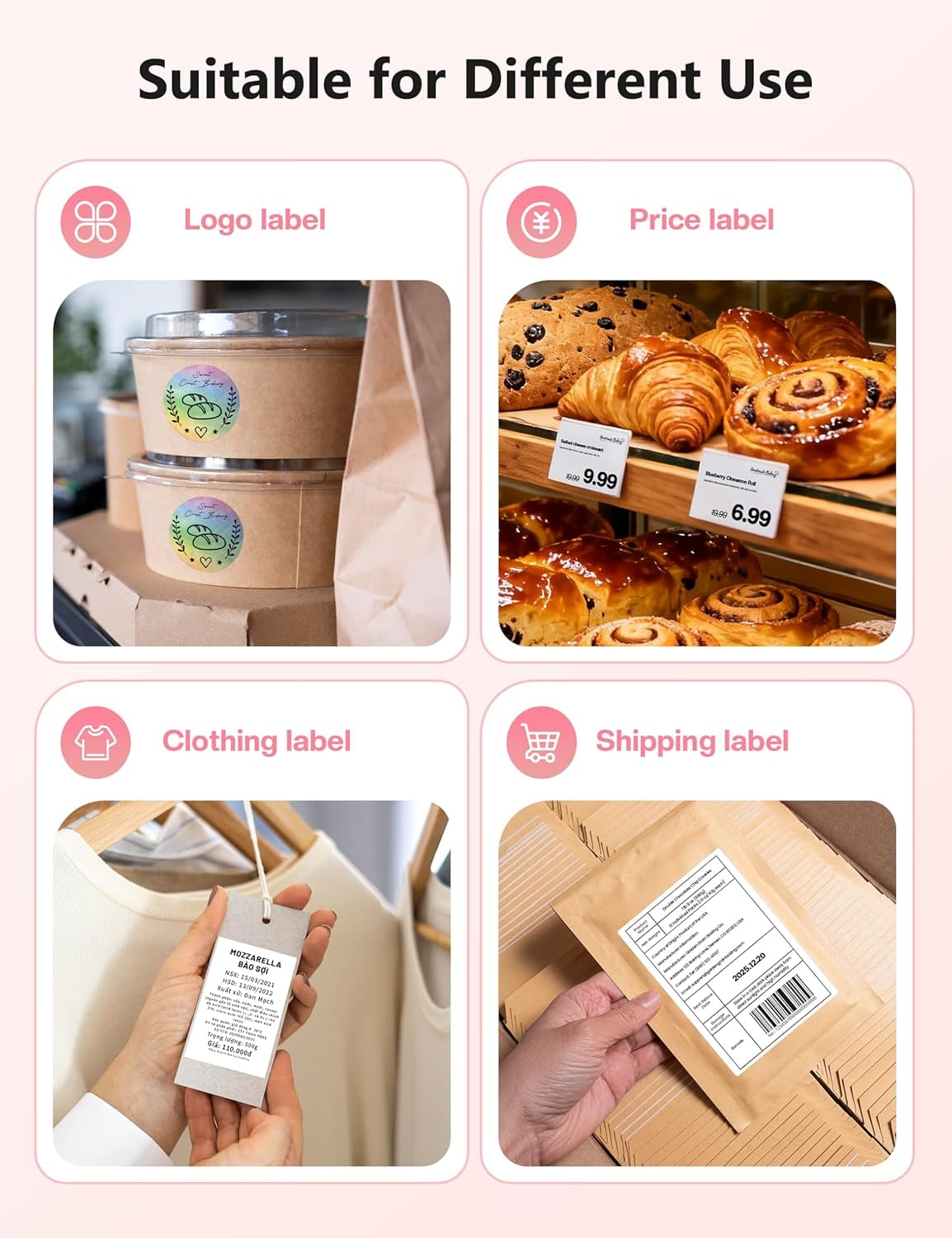
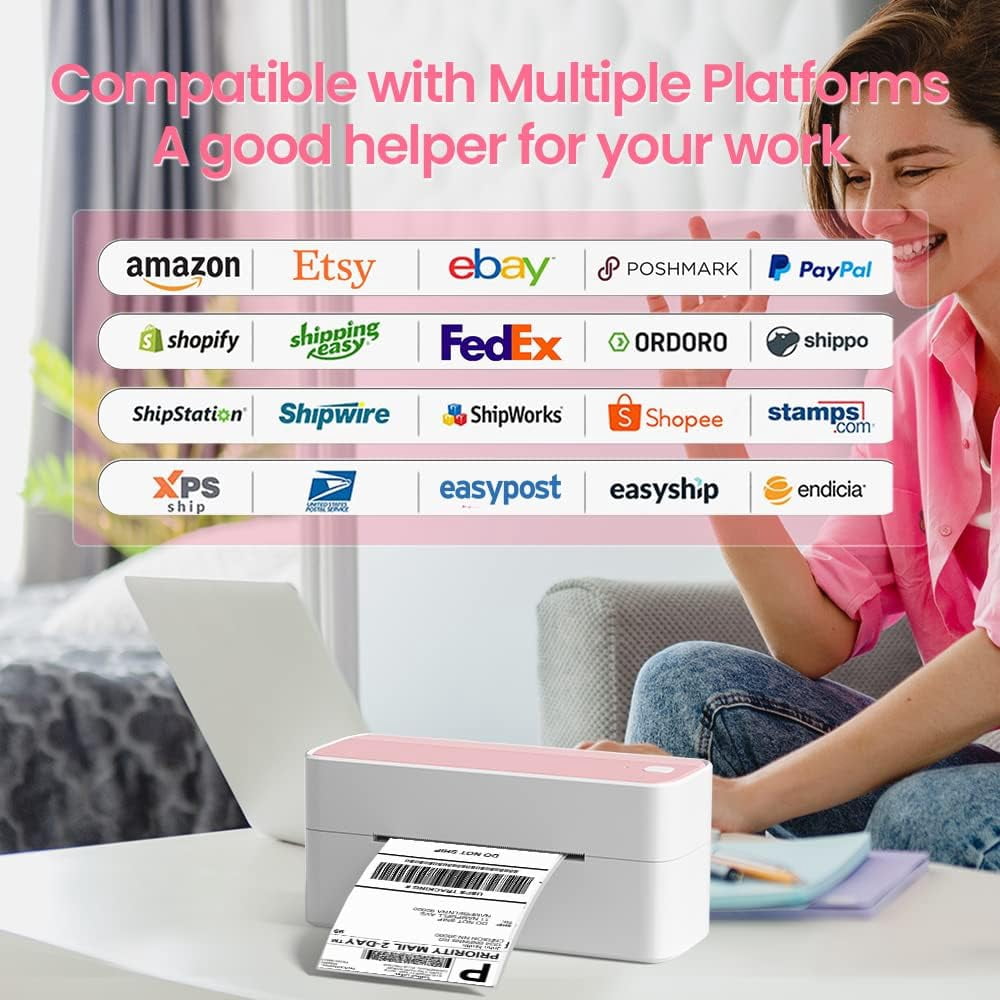
- [Multi-Platform Compatibility] - This shipping label printer supports label widths from 1 to 4.6 inches, making it ideal for printing labels from major platforms like eBay, Shopify, Amazon, Etsy, UPS, USPS, FedEx, and more. Easily print text, barcodes, QR codes, forms, and use pre-made templates for home or business. Note: The printer supports black-and-white printing only. For color labels, purchase compatible thermal color label paper separately.
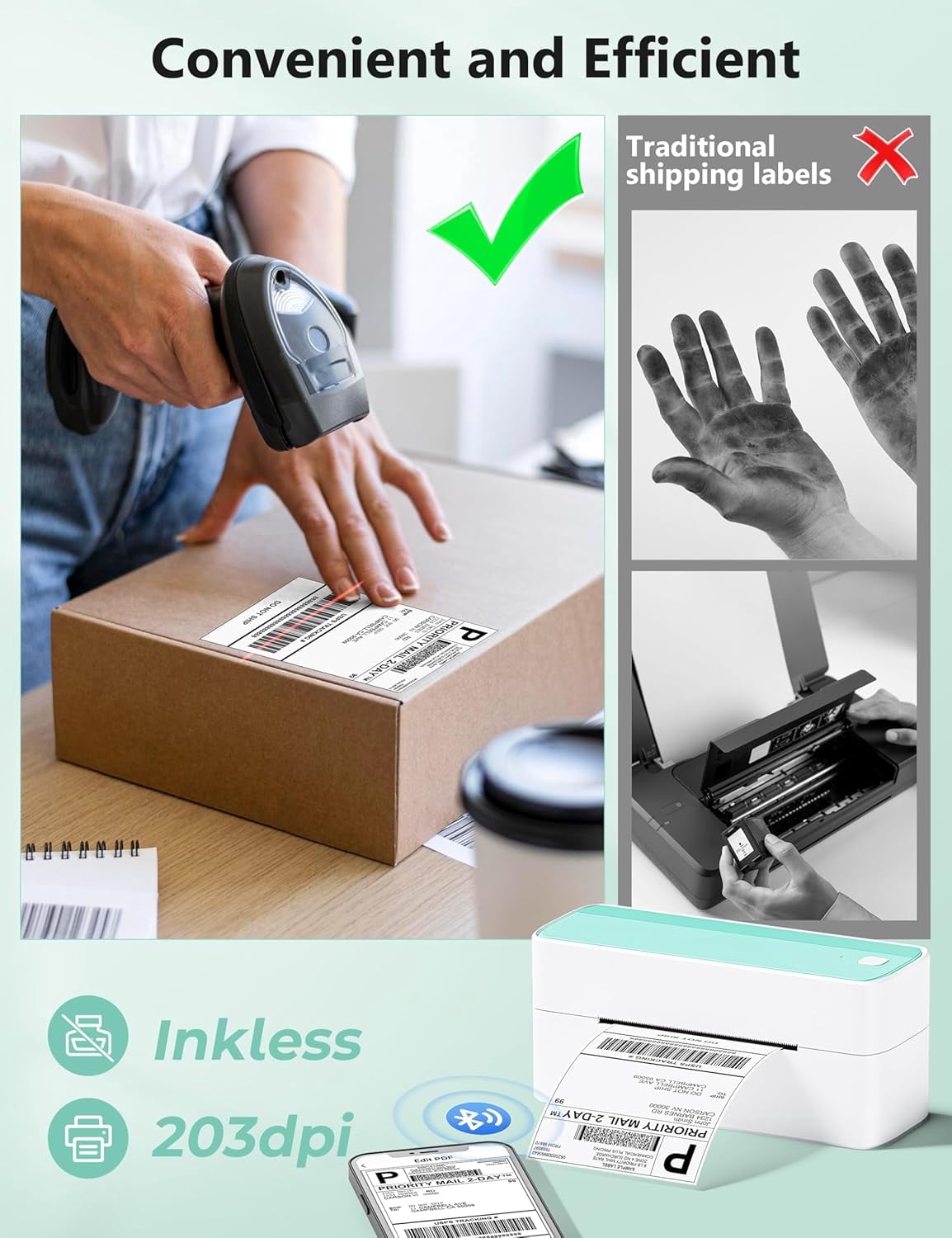
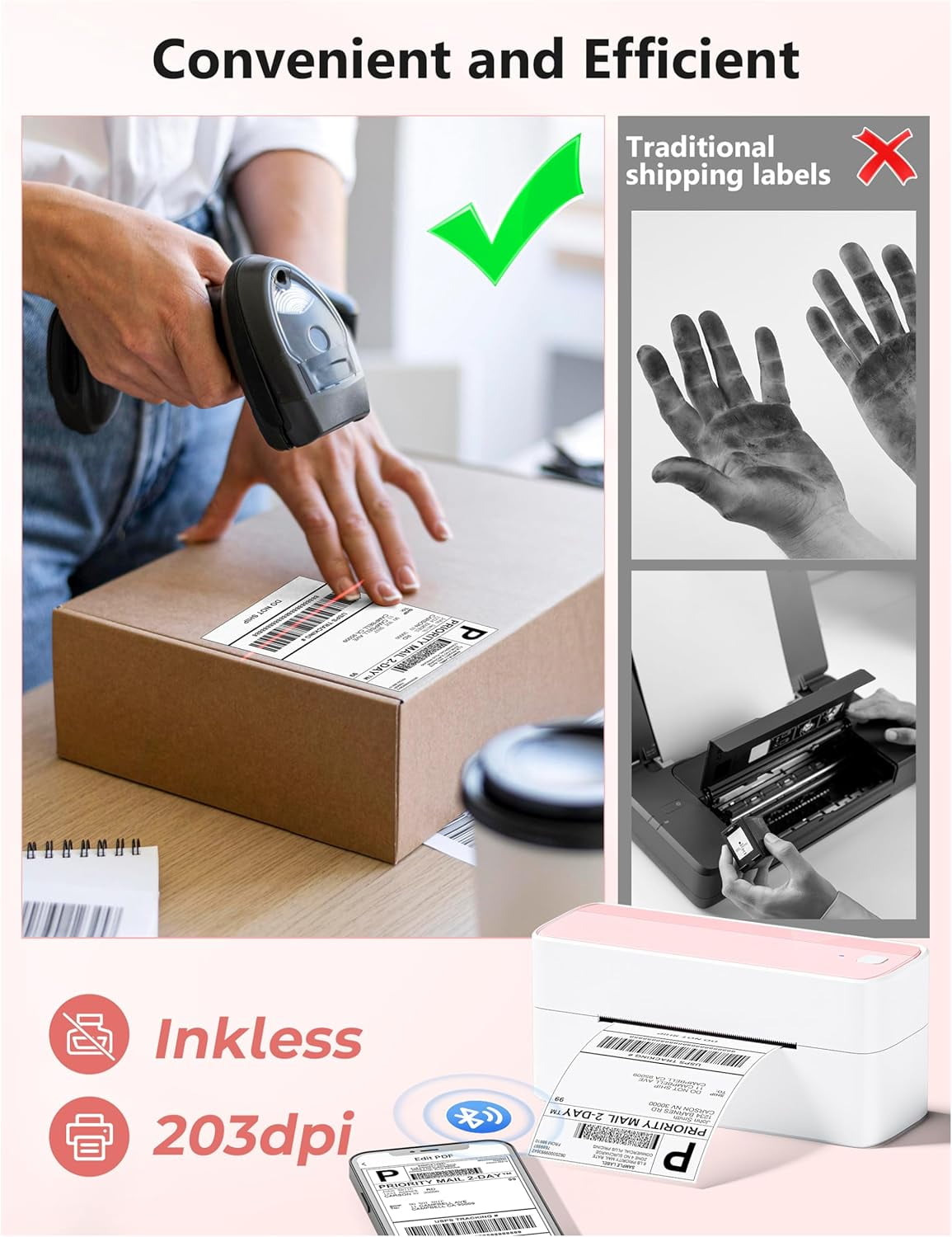
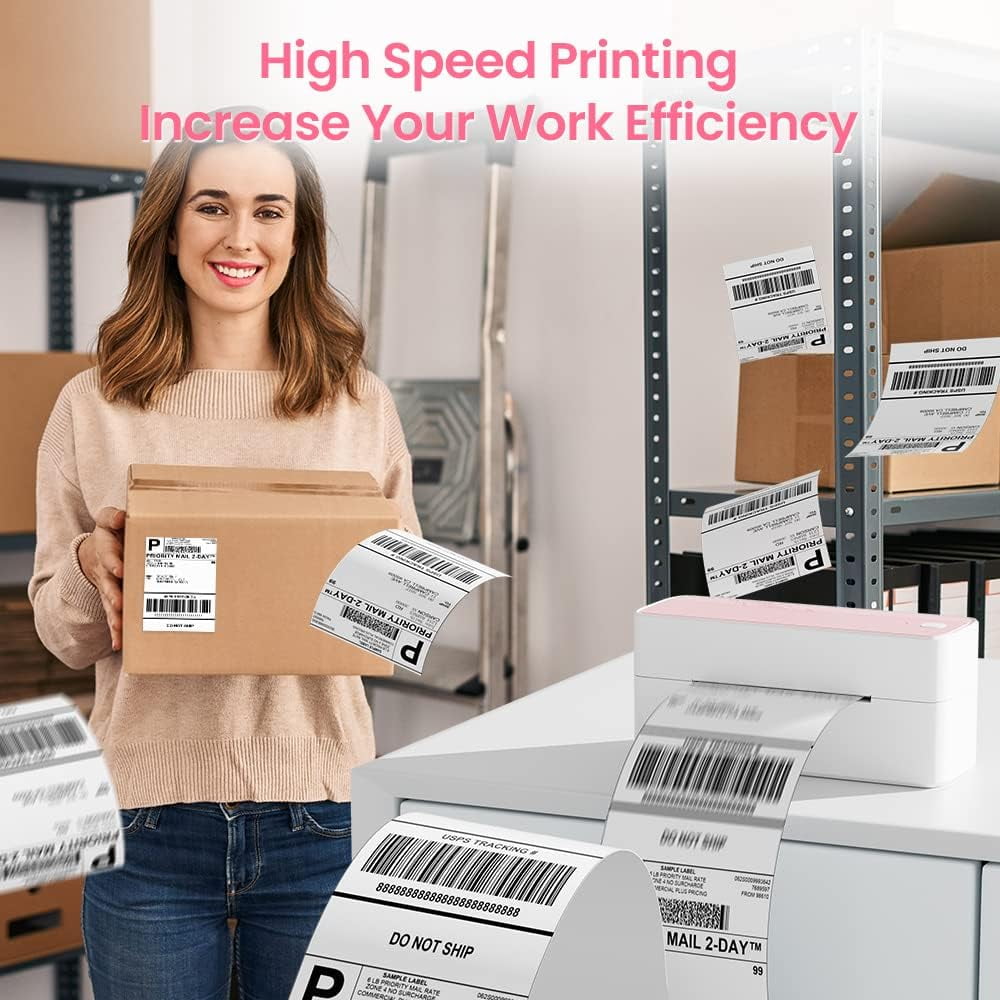
- [Money and Time Saver] -This label printer utilizes advanced thermal direct technology for printing, eliminating the need for expensive toner or ink. With a printing speed of 150 mm/s, the printer can produce up to 72 sheets of 4x6 labels per minute. Additionally, the 203 DPI resolution ensures that the printing is clear and precise. With this printer, you can save precious time and money, making it an ideal choice for your labeling needs
- [Professional Team] - We support team provides technical support, including live chat, phone calls, emails even remote desktop operation. If you have any questions or concerns about our Bluetooth shipping label printer, please don't hesitate to let me konw. Phone Call: (9:00-17:00 Mon-Fri EST) Email/ Live Chat: (19:30-4:30 Mon-Fri EST)
- Phone and Tablet Start Print - Step 1: Download the App 'Labelife'. Step 2: Turn on the 241BT printer and your phone's or tablet's Bluetooth. Step 3: Click the 'Printer' icon in the App to search for the 241bt label printer, connect it via Bluetooth in the App, and select the paper size and file type to start printing
- Laptop/PC Starts Printing - Step 1: Please check your laptop/PC's operating system (OS) and download and install the correct 241bt driver from the website (labelife.net/pm241). Step 2: Use the USB data cable to connect the 241bt printer to your computer. Step 3: Select and open your document, and choose 241bt from the printer list.
| Interface type | Bluetooth, USB |
|---|---|
| Maximum label width | 4.6 in |
| Maximum print resolution | 203 dpi |
| Brand | LYUFEI |
| Works with | iPhone, Android |
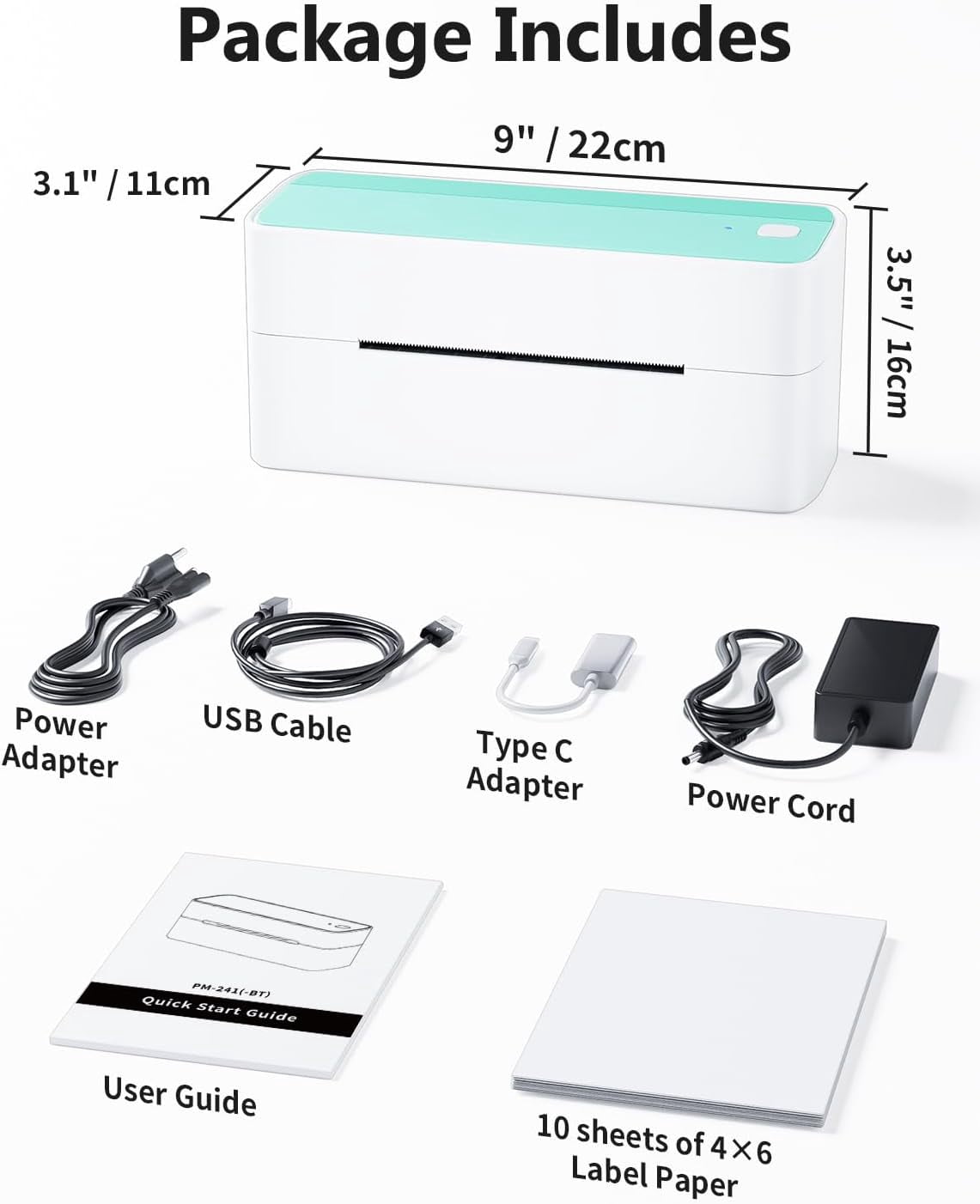
| Height | 4.41 in |
| Color | Green |
| Has written warranty | No |
| Has nrtl listing certification | N |
Bestseller ranking
Acoustics & Sound Engineering Books

Customers who viewed this product also viewed
All Walmart Restored Office Supplies

Correction of product information
If you notice any omissions or errors in the product information on this page, please use the correction request form below.
Correction Request Form